Best for MT5 plus custom Windows automation: shortlist an UltaHost Windows VPS when you need control over installation and restarts. Pick shared RDP only when the seller explicitly permits your applications and unattended sessions. Choose MetaTrader Virtual Hosting instead when you only need compatible Expert Advisors and signals.
Affiliate disclosure: Some links are affiliate links. We may earn a commission on qualifying purchases. Read our disclosure .
Based on official pricing and documentation checked November 12, 2026; recommendations are buying judgments, not measured performance results.
RDP vs Windows VPS: what are you actually buying?
RDP is the protocol used to display and control a remote desktop. A Windows VPS is a virtual machine running Windows. You can use RDP to access that VPS, so the terms describe different parts of the setup.
In this comparison, shared RDP means buying a user session on a Windows environment administered by the seller. Microsoft’s RDS documentation distinguishes multi-session desktops on a shared Windows Server instance from personal virtual desktops. Source: Microsoft remote desktop deployment models , checked November 12, 2026.
An advertisement that says “private RDP” does not settle which model you receive. Ask whether the offer includes your own virtual machine, administrator rights, a recovery console and permission to restart it. A private username alone answers none of those questions. Equally, having your own VPS does not mean owning the physical host or receiving dedicated physical CPU cores.
For an unattended bot, buy around the actions you must perform: install dependencies, keep the process running, collect logs and recover after maintenance. A cheap desktop that prevents those actions is the wrong product even when the initial connection works.
Compare prices, control and limitations
| Option | Published price | Access and limits | Trial position | Best fit |
|---|---|---|---|---|
| Shared RDP session | Seller-specific; check current pricing | Confirm installation rights, session policy and resource allocation | Ask the seller | Approved applications with little customization |
| UltaHost Basic Windows VPS | $16.10/month displayed | 2 CPU cores, 2 GB RAM, 50 GB NVMe | Refund guarantee advertised, not a verified free trial | A narrow Windows workload that fits the resources |
| UltaHost Business Windows VPS | $24.14/month displayed | 2 CPU cores, 4 GB RAM, 80 GB NVMe | Same distinction | More memory for Windows automation |
| MetaTrader Virtual Hosting | $15 for a month | Virtual trading platform; DLL calls prohibited | Verify eligibility in the platform | Compatible EAs and signal copying |
| Hostinger VPS | Check current pricing for the Linux configuration | Linux environment, not native Windows VPS | Check the selected offer | Linux-compatible bots and administrators comfortable with Linux |
UltaHost’s cards state renewal at the displayed rates for two years; its banner separately shows $16.24/month. Confirm billing term, upfront total and renewal in the selected configuration. Source: UltaHost Windows pricing and specifications , checked November 12, 2026.
MetaTrader’s published monthly price comes from MetaQuotes virtual hosting pricing , checked November 12, 2026. Migration limits come from MetaTrader virtual platform documentation , checked November 12, 2026.
Hostinger documents Linux-only VPS operating systems and also provides an MT5-on-Linux guide using XFCE and RDP. That is a different compatibility path from buying native Windows. Sources: Hostinger server capability documentation and Hostinger MT5 deployment instructions , checked November 12, 2026.
Who should choose Windows VPS / who should not
Choose a Windows VPS for a custom application stack. If your job combines MT5, a separate utility and scheduled scripts, prioritize permission to install and maintain every component. Make a dependency list before requesting a quote. Include application versions, required services and any need for interactive desktop access.
Shortlist Business when memory headroom matters. It offers more RAM than Basic without adding CPU cores. That makes it a sensible candidate for evaluation when background processes compete for memory, but does not establish how many terminals or bots it can run. Choose Basic only when your actual workload fits comfortably during evaluation.
Choose shared RDP for a constrained, approved workflow. It may suit someone who wants an already prepared desktop and does not need to change system settings. Request written confirmation of bot permission, disconnected-session behavior, permitted installations and maintenance notices. If the seller cannot explain these, exclude the offer from your shortlist.
Choose MetaTrader Virtual Hosting for the narrower trading task. It can remove the need to administer a general-purpose Windows desktop. Its migration rules prohibit DLL calls and do not migrate scripts, so confirm your EA’s dependencies before paying. Do not buy it expecting a place to install arbitrary Windows software.
Choose Linux when Windows is unnecessary. For a bot whose vendor supports Linux directly, compare the Linux deployment and maintenance effort before paying for Windows. Hostinger belongs in that comparison, while buyers requiring a native Windows environment should keep their shortlist focused on Windows providers.
For installation and licensing details after that decision, use our UltaHost Windows VPS guide .
Compare UltaHost plans for your Windows workload
What happens when you close the RDP window?
Disconnecting is different from signing out. A disconnected desktop can retain running applications, but session policies can impose limits or end sessions. Microsoft’s Remote Desktop session policy reference , checked November 12, 2026, documents disconnected-session limits and policies that end sessions.
For purchasing purposes, ask the seller what happens after disconnection, after inactivity and after a host restart. These are separate events. A demonstration showing an application still open immediately after reconnecting does not establish overnight behavior.
Our operating recommendation is to design recovery before transferring production work. Document how the application starts after a reboot, who receives failure alerts and where its logs are stored. Test the startup method recommended by the application vendor; a desktop shortcut is not evidence that the program will restart unattended.
For MT5 evaluation, use a demo account and confirm that only the intended instance is running your automation. When moving between hosts, stop the previous copy and inspect logs before enabling the new one. Server availability and trading profitability are separate questions.
Compare the full cost and recovery effort
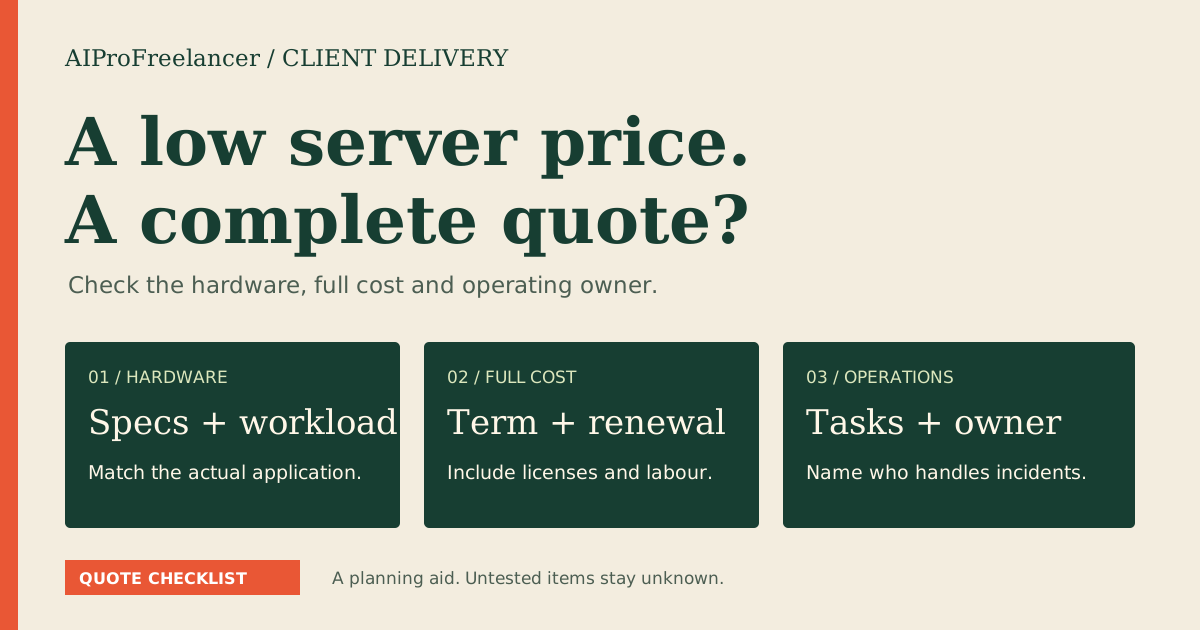
Request a quote containing the billing period, initial charge, renewal, Windows licensing, backups and any mandatory support or access fees. Ask the provider to identify the licensing arrangement for your intended users; an included operating system should not be treated as an unlimited shared-desktop entitlement.
Compare the full term cost against the shortest practical evaluation period. A monthly equivalent may involve an upfront commitment. A refund guarantee also deserves a separate check for exclusions, payment-method restrictions and the procedure for requesting a refund.
Next, price the work of recovering a failed deployment. Can you export application settings and retrieve logs without waiting for the seller? Can you reach a console if remote access breaks? Who restores the environment, and what data does the backup actually contain? Put the answers beside the price instead of treating support as a vague bonus.
Our Forex VPS buying guide covers trading-workload checks, while the VPS guide for crypto bots helps compare more general automation needs.
How to test it yourself in 15 minutes
Use this initial screening plan after provisioning and installation. It is a suggested evaluation time box, not a claim about setup speed or long-term reliability.
- Confirm the product. Check the operating system, allocated resources and account permissions against the order. Find the recovery-console instructions before changing access settings.
- Open a representative workload. Use a demo account or harmless sample task. Record application versions and settings so you can repeat the same check on another offer.
- Inspect resource pressure. Observe memory, CPU and disk activity while the task runs. Note whether the workload is idle or processing data; do not generalize from a quiet desktop.
- Disconnect and reconnect. Close the remote connection without signing out, then check application state and logs. Arrange a longer check covering the seller’s session limits separately.
- Plan a controlled restart. With no live task at risk, verify how the application returns after reboot. If installation or restart exceeds the time box, continue the evaluation before making a purchase judgment.
Before production, also test restoring exported settings and recovering access. Keep credentials out of screenshots and handoff notes. Prefer restricted remote access through an appropriate gateway, VPN or trusted-address rule, with a documented recovery route.
FAQ
Is RDP the same as a Windows VPS?
No. RDP is a remote access protocol. A Windows VPS is the machine you rent. Both a shared desktop session and your own Windows virtual machine can be accessed using RDP.
Can shared RDP run MT5 and bots?
Only shortlist it when the seller permits the software, its dependencies and unattended execution. Check session limits and recovery rights before relying on the service for a continuing task.
Will MT5 keep running after I disconnect?
It can, but the session configuration matters. Confirm that you disconnected rather than signed out, then evaluate the provider’s timeout and restart behavior with a demo workload.
Is MetaTrader Virtual Hosting a full Windows desktop?
It hosts a virtual trading platform, not a general-purpose desktop for arbitrary applications. Its documented migration restrictions make dependency checking essential, particularly for EAs requiring DLLs.
Should I buy the cheapest Windows VPS?
Buy the least expensive configuration that passes your workload and recovery checks. A low advertised price is useful only when the complete invoice, permissions and operating behavior meet your needs.
Which option should you buy?
For custom Windows automation, evaluate your own Windows VPS first. Keep shared RDP for workflows whose installation and session requirements the seller explicitly supports. Consider MetaTrader Virtual Hosting when a compatible EA or signal workflow is the entire job.
Shortlist UltaHost Basic for a focused workload and Business when memory headroom justifies the extra cost. Confirm the actual billing configuration and complete the demo evaluation before moving production tasks.