This guide uses vendor documentation. We have not completed a controlled account test or deliverability benchmark. Links on this page lead to documentation and our planning guides; this article contains no affiliate referral link.
This guide is for a freelancer handing a newsletter over to a client or another operator. For a platform buying decision, use the Kit subscriber journey guide and newsletter platform comparison . Here, the deliverable is a handoff record the incoming operator can review.
Prepare the handoff in five steps
- Agree the scope. List the account, domain, content, subscriber statuses and workflows the client expects to receive. Name the owner who will approve the handoff.
- Map the data. Record each required field, where it comes from, and how it will be checked. An exported file is one input; it does not establish that the entire workflow has moved.
- List rebuild tasks. Separately record forms, automations, templates and integrations that have not been verified as transferable. Give each task an owner and an acceptance condition.
- Check with permitted test records. Compare expected signup, unsubscribe and suppression behavior with observed results. Do not send a campaign to the full list as a migration test.
- Record acceptance. The receiving operator should confirm access, sample data, open tasks and a recovery plan before the old service is cancelled. Store personal subscriber records privately; put only evidence locations in the worksheet.
| Handoff item | Evidence the receiving operator needs | If evidence is missing |
|---|---|---|
| Account and domain access | Access checked by the named owner | Keep ownership unresolved |
| Subscriber status mapping | Private sample check against required fields | Investigate before sending |
| Content and workflows | Inventory of retained items and rebuild tasks | Assign an owner and due date |
| Unsubscribe and suppression | Expected and observed behavior on permitted test records | Hold the campaign |
| Acceptance and recovery | Named reviewer, remaining tasks and recovery arrangement | Defer cancellation of the old service |
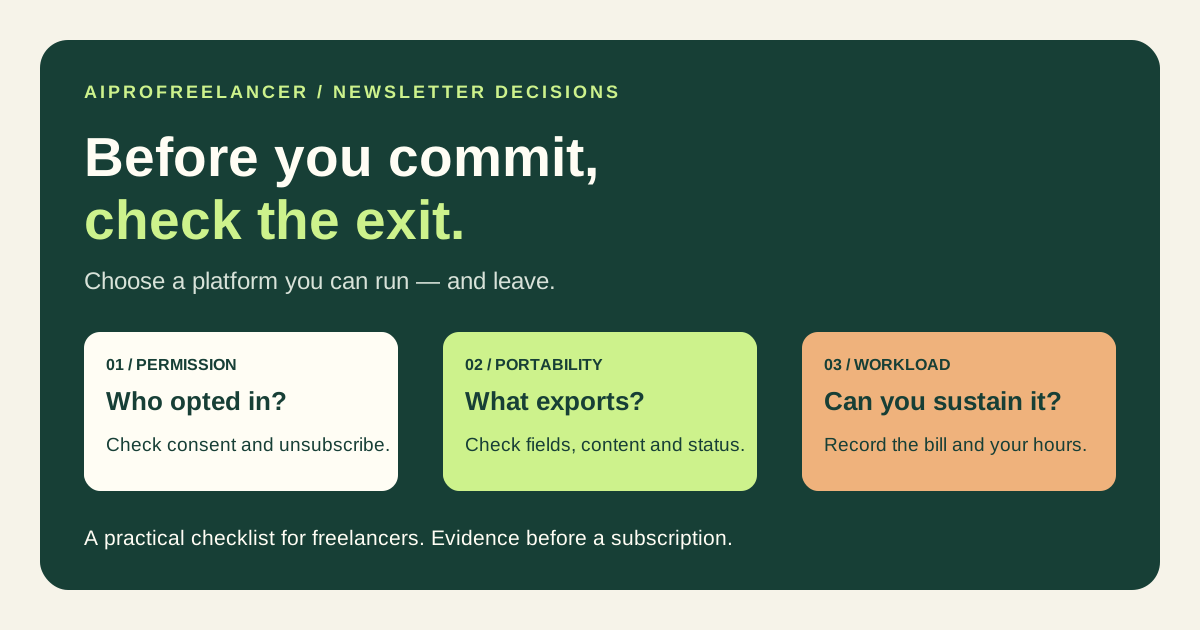
A newsletter can keep your expertise in front of people who may need your services. Before choosing a platform, write down what you intend to send, who asked to receive it, and how much work you can sustain. A large feature list will not answer those questions for you.
Start with the job
Are you sharing useful observations, inviting project enquiries, selling a course, or running a publication? Choose one primary outcome for your first cycle. Keep a record of the time spent producing each issue and the enquiries it generates. Subscriber count alone does not show that a newsletter helps your business.
Check what you can take with you
beehiiv documents exports of post content and subscriber data. Kit documents subscriber exports for a whole list or a subset. Those are useful starting points, but a CSV is not proof that an entire website, automation or consent history will transfer intact.
Make a field list before testing: email, subscription status, tags or custom fields, relevant timestamps and evidence of permission. Record which fields exist in the export and which require a separate process. A missing field in your test is a migration task, not a reason to invent a product limitation.
Check consent and suppression
Use your own permitted test addresses to check signup, any confirmation step, preferences and unsubscribe. Record the expected result and the observed result separately. Confirm that unsubscribed recipients stay suppressed after an import. Do not use a bought list or send promotional mail to an audience without permission.
Compare the bill for your actual list
Record the plan, currency, billing frequency, subscriber count and date of the quote. Include any automation, export or support requirement in that comparison. Do not assume a free plan contains every feature you will need later, or pay annually before a small permitted test answers your essential questions.
Keep client ownership clear
If the newsletter belongs to a client, agree who owns the account, sending domain, list and content. Write down how access and exports will be handed over. Keep personal subscriber records out of public screenshots and case studies.
Use the blank newsletter decision worksheet .
A decision sheet
| Requirement | Expected result | Observed result | Source/date | Open task |
|---|---|---|---|---|
| Signup and confirmation | Your chosen permission flow | Not tested | Account test required | |
| Unsubscribe and suppression | Recipient stays unsubscribed | Not tested | Account test required | |
| Subscriber export | Required fields retained | Not tested | Vendor documentation + account test | |
| Content handoff | Required content available | Not tested | Export documentation + sample check | |
| Total bill | Fits the agreed budget | Not quoted | Current plan quote required | |
| Weekly workload | Fits your available hours | Not measured | Operator time log |
Choose only after your essential requirements have evidence. If both platforms pass, compare cost and workload for the same project rather than declaring a universal winner.
Sources checked 05 October 2026
- beehiiv export documentation: https://www.beehiiv.com/support/article/12258595483543-exporting-post-content-or-subscriber-data-from-beehiiv
- Kit subscriber export documentation: https://help.kit.com/en/articles/2502489-how-to-export-subscribers-in-kit
- beehiiv subscriber account/preferences documentation: https://www.beehiiv.com/support/article/23235404312727-how-subscribers-can-manage-their-accounts