A short screen explanation can help a client understand a change without arranging a call. Choose Loom around the explanation and the handoff, rather than assuming a recording will automatically save a meeting.
Updated October 8, 2026. This is a source-based buying guide and an original checklist, not a completed recording benchmark or a measured time-savings study. Earlier scores and broad comparisons have been removed because they were not supported by a reproducible test.
Distinguish screen recordings from meetings
The official pricing page , checked October 8, lists Starter with up to 25 videos per person and five-minute screen recordings. It separately lists unlimited meeting recording length. Do not apply the screen-recording limit to every recording type.
The page lists Business with unlimited videos and recording time, upload/download capabilities and password-protected videos. Business + AI includes additional AI and editing features. Confirm the chosen plan, billing term and required controls before quoting the project; this guide does not promise that every feature is included in the free tier.
Write the explanation before pressing record
For a client handoff, define one question the recording should answer. “Where do I update the pricing?” is easier to verify than “Explain the whole website.”
Use this original brief:
| Field | Decide before recording |
|---|---|
| Audience | Who needs to understand the change? |
| Outcome | What should the viewer be able to do afterwards? |
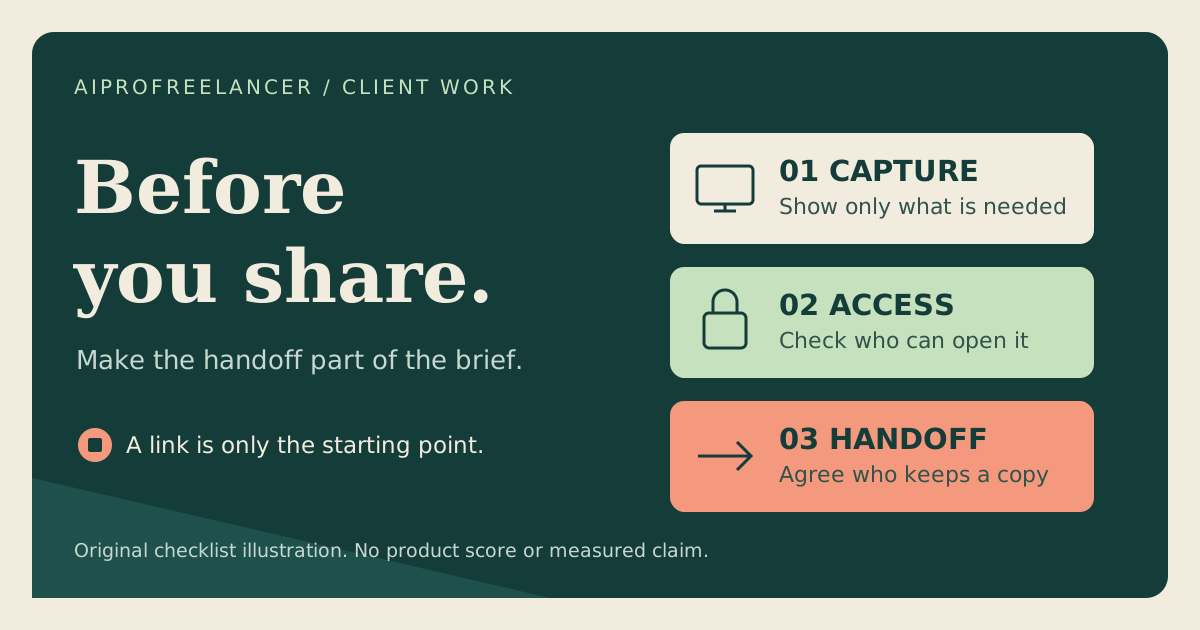
| Capture | Which window or page demonstrates only the necessary information? |
| Length | What fits the selected plan and the viewer’s attention? |
| Access | Who should be able to open the link? |
| Handoff | Who owns the recording and any retained copy? |
A recording should support the written instructions, not become the only record of a critical procedure. Include the next action, important links and a version date in the written handoff.
Check what the capture could expose
Use fictional or sanitised data for a demonstration. Before recording a real client workflow, agree on the material that may appear and the intended audience.
Inspect notifications, open tabs, account menus and background windows. Do not rely on later editing to repair an avoidable exposure. If the task can be explained with a static image and short written steps, evaluate that simpler output first.
This is an operational checklist, not a claim that a particular sharing configuration is appropriate for every client.
A proposed acceptance test
This exercise has not been carried out for this review. It requires a test workspace and authorised viewers.
- Prepare a fictional three-step task with no real customer information.
- Record only the required application or window.
- Review the entire result for legibility, audio clarity and unintended content.
- Compare the transcript or summary with the source explanation; correct names, numbers and next actions.
- Share using the intended settings and test with an authorised viewer whose access resembles the client’s.
- Check what a person outside that intended audience can access, without changing the settings to make the test pass.
- Test any promised download or retained-copy workflow using the client’s own permissions and plan.
Record the plan, sharing setting, expected result and actual result. A link opening in the author’s signed-in browser does not prove it opens for the client.
Review AI output before handoff
A transcript, title, summary or task list can be useful for navigation, but it still needs review. Check whether a proposed next action was actually agreed and whether the summary omits an important condition.
Do not claim transcript accuracy or a percentage reduction in meetings without a defined sample and measurement method. If a correction is needed, keep the final written instruction consistent with the recording.
Count the full delivery cost
Use the project-cost worksheet to include preparation, recording, review, revisions and support alongside the subscription.
For a recurring service, agree how many revisions are included and how long the recording must remain available. If the client needs to retain a copy after the engagement, verify that handoff before promising it.
For transcript-focused editing requirements, compare the Descript acceptance checklist . For a client website, pair the explanation with the WordPress site transfer checklist . These address different parts of delivery; neither establishes that one recording tool wins every comparison.
Before choosing a plan
Check Loom’s current plan comparison after documenting recording type, quantity, access requirements and retained-copy needs. Choose the smallest plan that passes the actual acceptance test.
These are ordinary vendor links. We have not verified an AIProFreelancer Loom affiliate link, and a visit or purchase through these URLs is not evidence of commission attribution to this site.