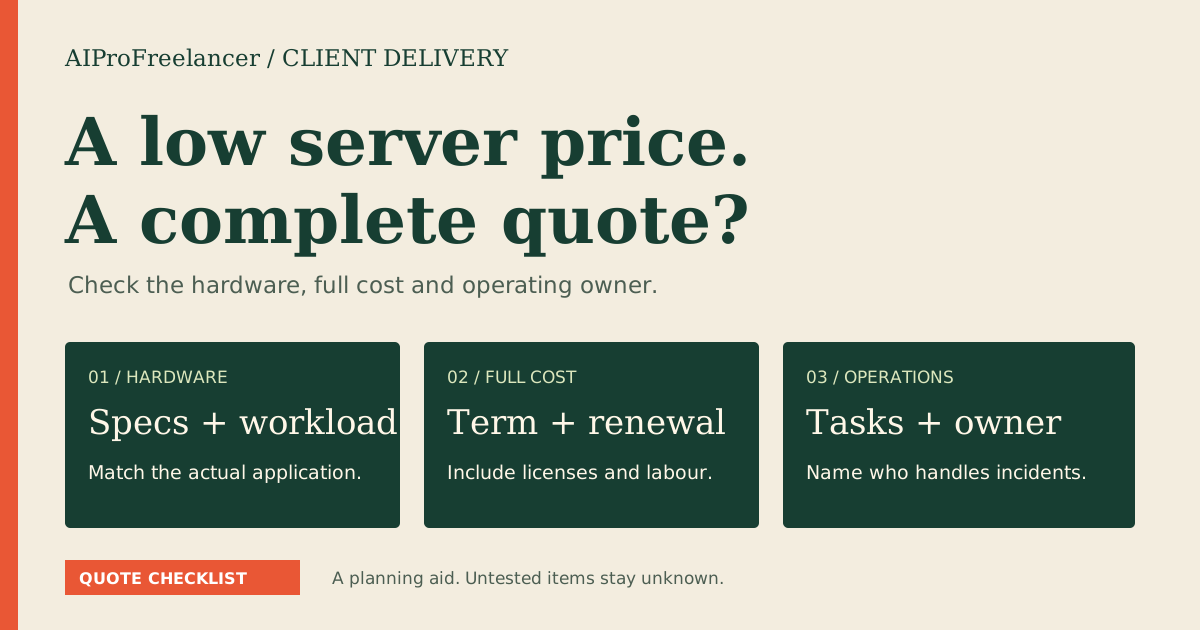
Best for a small Windows-only application: shortlist UltaHost Basic after confirming the full license-inclusive quote. Pick Business when your application needs more memory, or Linux when Windows is unnecessary. Choose the smallest configuration that meets your application and licensing requirements.
Affiliate disclosure: We may earn a commission on qualifying purchases through affiliate links. Read our disclosure .
Based on official pricing and documentation checked November 5, 2026; these are buying judgments without hands-on performance results.
Cheapest Windows VPS: compare the complete offer
| Option | Published price | Resources | License and trial position | Best fit |
|---|---|---|---|---|
| UltaHost Basic Windows VPS | $16.10/month; renewal text specifies 2 years | 2 CPU cores, 2 GB RAM, 50 GB NVMe | Windows Standard included per its FAQ; refund guarantee advertised, not a free trial | Small Windows-specific application |
| UltaHost Business Windows VPS | $24.14/month; renewal text specifies 2 years | 2 CPU cores, 4 GB RAM, 80 GB NVMe | Confirm inclusion on the selected order | Application requiring more memory |
| Vultr Windows compute | Check current pricing for compute plus Windows | Depends on instance | Windows license charged separately; free trial not established here | Operator comparing itemized costs |
| Hostinger KVM VPS | Check current Linux pricing; not a Windows quote | Depends on Linux plan | Published templates are Linux-based | Application supported on Linux |
Price source: UltaHost Windows pricing cards , checked November 5, 2026. The banner says $16.24/month while Basic’s card says $16.10/month. These are published observations, not a verified month-to-month invoice.
License source: UltaHost Windows VPS license FAQ , checked November 5, 2026, says licensed Windows Server Standard is included. Obtain that inclusion and the exact release on your order.
Competitor sources: Vultr Windows license billing explanation , checked November 5, 2026, says Windows costs extra based on compute size. Its linked Windows pricing page returned a retrieval error, so a numerical total is unavailable here. Hostinger operating system documentation , checked November 5, 2026, lists Linux templates.
Real monthly price: term, license and cash due
A monthly equivalent and a monthly payment are different purchasing decisions. A long commitment can reduce the advertised monthly rate while increasing money committed before your application passes its acceptance checks.
Effective monthly cost = total required initial-term cost / months in that term.
Include the server, separate Windows charges, application licenses, remote-user licensing, required backups, setup and applicable taxes. Keep optional services outside the baseline so you can identify what changes the minimum workable price.
For illustration, multiplying Basic’s displayed rate by the stated two-year renewal period gives $16.10 x 24 = $386.40. Business gives $24.14 x 24 = $579.36. These are our arithmetic from the pricing source above, before additional charges, not verified checkout totals or confirmation of initial billing. Request initial payment and renewal amounts separately.
A refund guarantee differs from a free trial. Read the conditions attached to the selected product before treating a purchase as reversible. Avoid a long commitment based solely on a headline discount.
For client work, compare total cost with the value of application availability. A low invoice becomes expensive if nobody owns patching, recovery or access removal. Assign those responsibilities before assuming a managed label removes your operating work.
RAM: choose the smallest workable configuration
For a provider-specific walkthrough, read our UltaHost Windows VPS plans and RDP setup guide before selecting a Windows configuration.
Start with the application’s documented requirements and expected simultaneous activity. Account for the operating system, background services, security software, logs and updates. A resource allocation describes capacity; it does not demonstrate response time with your application.
Basic is a price-first candidate when the application vendor supports the configuration and the workload leaves room for maintenance. Business is easier to justify when software requirements approach the smaller allocation or several processes must remain open. This is a sizing judgment, not a measured benchmark.
Record what drives the requirement: concurrent users, application instances, database size, report generation or data growth. Use the vendor’s recommended configuration as a starting point and validate it with representative work.
Storage requires the same discipline. Allow for software, application data, temporary files and recovery work. A backup stored only inside the same virtual server is not an independent recovery location. Choose a retention and restore process that a named person can operate.
Who should choose UltaHost / who should not
Choose UltaHost for evaluation when you need Windows-specific software and want a bundled operating-system offer. Start with the entry configuration for a narrow workload; consider a larger option when the application specification calls for capacity.
Do not choose a long term before confirming compatibility, full price and the application operator. Differing banner and card amounts make a written quote useful. Shared desktops for staff need an explicit access-licensing answer rather than an assumption that administrator access covers every deployment.
Compare Vultr if itemized compute and Windows costs suit your purchasing process. Its base compute price cannot be compared directly with a Windows-inclusive offer. Match instance, region, software and recovery services before deciding which quote is cheaper.
Consider Hostinger when the application supports Linux and no business requirement demands Windows. Use the ownership worksheet in the freelancer VPS checklist to identify who maintains the environment.
Compare UltaHost plans for your application
Windows license versus remote-user access
An operating-system license and permission to deliver applications to remote users are separate questions. Ask which model applies, who supplies it and what changes when the user count grows.
Microsoft Remote Desktop Services licensing documentation , checked November 5, 2026, describes per-user and per-device RDS CALs and version compatibility. Have the provider or a licensing specialist confirm the arrangement for your hosted environment.
Check application rights too. Desktop software can restrict hosted use, concurrent sessions or client access. A working remote connection does not settle those permissions. Retain the software vendor’s answer with the quote so future operators understand the purchase.
How to test it yourself in 15 minutes
Use this initial screening session in an authorized evaluation environment after confirming payment and refund conditions. It cannot establish long-term uptime or replace a complete restore exercise.
- Record the Windows release, resources and license wording. Match them against the order and application requirements.
- Connect with the approved method. Configure access controls before adding client data or exposing services.
- Install the application from its official distribution. Open a representative sample with non-sensitive data and record missing dependencies.
- Observe memory and disk use with the intended processes open. Record the workload so someone else can reproduce the check.
- Restart and reconnect. Check scheduled work resumes, then plan a separate backup-and-restore exercise before production.
For trading software, the Forex VPS buying guide adds broker connectivity and demo recovery checks. Leave latency and trading outcomes unclaimed until evidence exists.
Keep this quote and recovery worksheet
| Question | Evidence to retain |
|---|---|
| Configuration | CPU, RAM, usable storage, region and supported Windows release |
| Software | OS license, application rights and remote-user access model |
| Billing | Initial payment, term, renewal, license charges, backups and tax |
| Remote access | Approved users, connection method and access removal owner |
| Management | Provider tasks, operator tasks and escalation contact |
| Recovery | Independent backup location, retention, restore procedure and acceptance record |
| Network | Transfer rules, permitted workloads and required endpoints |
Use the fair-use guide for network-heavy work and the full hosting quote guide for cost ownership. Save the completed worksheet with the actual order.
FAQ
These questions address buying issues in the official product and support FAQs cited above. Private Search Console query data was not used for this update.
What is the cheapest Windows VPS here?
Basic has the lowest published Windows plan card in this comparison. That does not establish the cheapest provider across the market. Choose it when the complete quote and application requirements fit.
Is the Windows license included?
UltaHost’s cited FAQ says Windows Server Standard is included. Vultr’s billing documentation says Windows licensing costs extra. Confirm the order and separate application or remote-user requirements.
Is the advertised monthly price paid monthly?
Not necessarily. Check the selected term and amount due today. A rate expressed per month can describe a prepaid commitment, and renewal can differ from initial payment.
Is the smallest RAM option enough?
Only if the application, operating system and background work fit with maintenance headroom. Use software requirements and a representative evaluation instead of a universal RAM recommendation.
Can I use Hostinger for this Windows workload?
Its cited documentation lists Linux templates. Consider it when the application supports Linux; do not purchase it expecting the Windows configuration described here.
Can a cheap Windows VPS run a trading bot?
Check compatibility, permitted use, connectivity and recovery with a demo workload first. A Windows desktop and low invoice do not demonstrate execution quality or trading returns.
Choose the smallest suitable commitment
Shortlist Basic for a small Windows-only job and Business when the application needs capacity. Compare complete quotes with Vultr and consider Linux when supported. Choose a commitment justified by compatibility and recovery checks.