Beautiful.ai is worth shortlisting when your freelance work involves repeatable client presentations. The purchase decision should depend on the deck you need to deliver, the client’s editing requirements and the selected plan—not a polished product demo alone.
Updated October 4, 2026: This guide uses vendor documentation and a practical evaluation process. We have not completed a hands-on performance benchmark. Earlier unsupported ratings, drafting percentages and speed comparisons have been removed.
Affiliate disclosure: This page uses our account-issued Beautiful.ai referral link. We may receive commission on a qualifying purchase. Eligibility depends on current program terms; it is not a fixed payment promised for every signup. Read our affiliate disclosure policy .
Check current Beautiful.ai plans through our referral link .
Define the deliverable first
Write down whether the client needs a shared presentation link, a PDF or an editable PowerPoint file. Also specify fonts, brand colors, chart data, speaker notes and who will make future changes. A deck that looks good in its original editor can still create extra work after handoff.
Choose a small representative deck for evaluation: an opening slide, a content-heavy slide, a chart, an image and a closing action. Use material you have permission to process. Avoid uploading private client information simply to test a feature.
Check the selected plan and trial
The official pricing page lists individual, team and enterprise options, AI generation and presentation export features. Feature availability and billing structure should be checked against the specific plan you select.
The vendor currently describes a 14-day trial that requires a credit card and renews into a paid subscription unless canceled in time. Read the checkout’s billing amount and cancellation terms before starting. An advertised monthly equivalent on annual billing is not a month-to-month commitment.
Record the checkout date, full billing period, renewal amount, number of seats and cancellation deadline. Do not assume that a trial or subscription purchase is refundable; consult current vendor terms rather than an old review price table.
Beautiful.ai pricing: annual cost versus a short project
On October 4, the official pricing page displayed Pro at $14.50 per month, billed annually, and an ad hoc monthly Pro option at $45. The annual equivalent is $174 for twelve months, before any applicable taxes or fees. The smaller monthly equivalent does not mean you can pay $14.50 for one month and cancel.
For a single client project, compare the total commitment with the monthly option and the work needed to prepare and export the deck. For repeat projects, allocate the subscription across the projects you realistically expect to deliver; keep cash paid separate from that allocation.
Team pricing needs an extra checkout check: the page’s FAQ describes per-user charges, while a plan card also mentions three included users. Confirm the seat count and full invoice rather than extrapolating a total from those mixed labels. Prices can change; record the checkout shown to you.
Record subscription, seats, usage, fees and revision hours in the same project estimate. Our freelance tool cost worksheet separates the payment due now from the cost allocated to one client project.
Evaluate layout and editing with your own content
The vendor describes Smart Slides as layouts that adapt to content, alongside Classic Slides for more manual control. Treat that as a feature to evaluate rather than proof that every slide will meet your client’s design standard.
Add a longer heading and a denser paragraph. Replace an image with a different aspect ratio. Check whether the result preserves the hierarchy you need and how easily you can correct it. Record the actual edits instead of estimating a generic percentage of work saved.
Test the handoff before committing
Download the blank presentation handoff checklist to record requirements, observed export behavior and remaining corrections. It contains no prefilled product scores or benchmark results.
Export the representative deck in the format the client requires and open it in the client’s intended application. Inspect fonts, chart labels, line breaks and editable objects. Keep the original and exported versions so the differences can be compared.
Editable PowerPoint is different from slide images
The vendor’s export guide , checked October 5, distinguishes these handoffs:
| Export choice | Documented behavior | Check before client delivery |
|---|---|---|
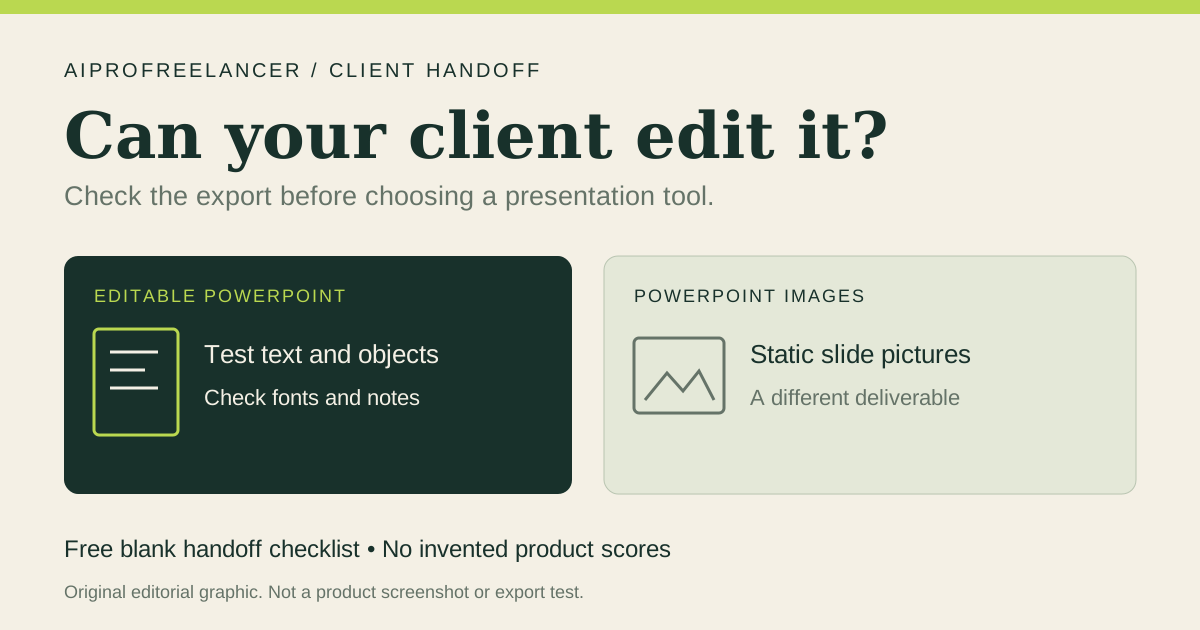
| Editable PowerPoint | Available on Pro, Team and Enterprise; includes editable presentation elements and notes | Open the file on the client’s machine and edit representative text and objects |
| PowerPoint Images | Slides become static images; notes are included | Do not offer this as individually editable slide content |
| Google Slides | Editable export on Pro, Team and Enterprise; embedded video, audio, transitions and animations are lost | Decide whether the missing media or effects are required |
The editable PowerPoint instructions also warn that missing fonts can change formatting. External exports do not retain Beautiful.ai’s native transitions and animations. These are documented limitations, not results from a deck we tested. Keep cleanup time and unresolved delivery requirements in the purchase decision.
If collaboration matters, verify the relevant viewing and editing permissions on the selected plan. Decide who owns the source deck, who can access it after the project ends and how the client will request revisions. Shared-link viewing is a different delivery from an editable source file.
Measure project cost
Track your active preparation time, revision time and any export cleanup. Include subscription cost and seats in your estimate. Compare the same deliverable with your existing workflow before concluding that switching saves money.
A tool can be a useful shortlist candidate even when it is not the right fit for a particular client. Reject or revise the workflow if required exports, permissions or brand treatment remain unresolved. A visual quality score cannot override a missing delivery requirement.
Next step
Inspect Beautiful.ai using our referral link , then evaluate a representative deck before paying. Keep a short evidence log: requirement, observed result, required correction and final decision. This article supplies the buying checklist, not a claim that we have verified the tool for your project.
Pricing checked October 4, 2026; product overview checked October 3, 2026: vendor pricing and trial FAQ , product overview .