ActiveCampaign is a candidate when a client needs an email journey with defined triggers, decisions and follow-up actions. Start by drawing that journey. A feature list does not tell you whether the selected plan can run it or whether someone will maintain it.
Updated October 8, 2026. This is a source-based buying guide and an original acceptance checklist, not a completed deliverability test or AI performance benchmark. Earlier numeric scores and claims of improved open/click rates have been removed because this review has no supporting test record.
Check automation limits before choosing a plan
The official pricing page , checked October 8, lists Starter, Plus, Pro and Enterprise for email. It lists five actions per automation on Starter and unlimited automation actions on the higher editions. Included users also differ: one on Starter and Plus, three on Pro and five on Enterprise.
The page separates certain enhanced CRM capabilities and channels into add-ons. Do not assume that a CRM-related feature, SMS requirement or AI action is included merely because email automation is available.
Prices depend on the selected contact count, currency and billing conditions. The source page’s price fields did not provide a usable quote in our retrieved view, so we are not replacing the old fixed-price table with a guessed number. Obtain the current quote for the actual requirements.
Define the journey in plain language
For a freelance project, write down what happens after a person requests a resource, replies, becomes a customer or unsubscribes. Decide which step belongs in email and which needs a human.
| Requirement | Question to resolve | Acceptance evidence |
|---|---|---|
| Entry | What starts the journey, and what permissions are recorded? | A documented input and expected first action |
| Branching | Which conditions choose the next step? | Sample records that exercise each branch |
| Delay | What should happen during a wait or after a late update? | A timeline with expected outcomes |
| Suppression | Who must stop receiving the sequence? | An unsubscribe/suppression test |
| Handoff | When does a person take ownership? | An owner, task and escalation rule |
| Reporting | Which outcome is being measured? | A report reconciled to known sample inputs |
Count the actions required by the proposed workflow and confirm availability in the chosen edition. If a demo uses a higher edition or an add-on, record that difference before estimating the project.
A proposed acceptance exercise
This exercise has not been executed for this review. Use fictitious records and authorised test inboxes; do not import a client’s real list just to explore the platform.
- Create five labelled sample contacts: a new request, an existing customer, a duplicate, an incomplete record and an unsubscribed contact.
- Write the expected route for each before configuring anything.
- Test the entry condition and each decision branch separately.
- Check what happens when a contact’s status changes while waiting.
- Confirm that the unsubscribed contact stays suppressed and that a duplicate does not receive an unintended second sequence.
- Inspect the human handoff: owner, notification and next-action record.
- Reconcile the report against the five known inputs and document exceptions.
A successful workflow test does not establish inbox placement or commercial conversion. A delivered test message is not evidence of improved open rates, and an AI suggestion is not a guarantee that the recipient will respond.
Evaluate AI with an approval step
If AI generates a subject line, copy or a proposed sequence, check the offer, dates, product details and implied promises before use. Keep the original brief and the approved output together.
For comparison, use the same brief and acceptance criteria across candidate tools. Record active work time, corrections and manual intervention. This article does not rank ActiveCampaign above Mailchimp, HubSpot or another platform on AI quality.
Budget for operation, not only the subscription
Use the project-cost worksheet alongside the vendor quote.
| Cost item | Record before committing |
|---|---|
| Subscription | Edition, contacts, users, currency and billing term |
| Add-ons | Exact capability needed and its recurring or usage charge |
| Preparation | Contact cleanup, field mapping and workflow design |
| Verification | Branch, suppression, reporting and export checks |
| Revisions | Review rounds and client training |
| Maintenance | Monitoring, exceptions and changes to the client’s offer |
A complex journey with no operator assigned can become a support burden. Keep the initial workflow small enough that the client can explain and maintain it.
Make the exit and handoff explicit
Agree who owns the account, sender setup, billing, integrations and contact records. Document the fields, segments, automation map, suppression handling and renewal dates.
Test the export the client will actually need. A contact CSV is not proof that an automation, historical report or connected integration can be recreated elsewhere. Note what must be rebuilt and who is responsible.
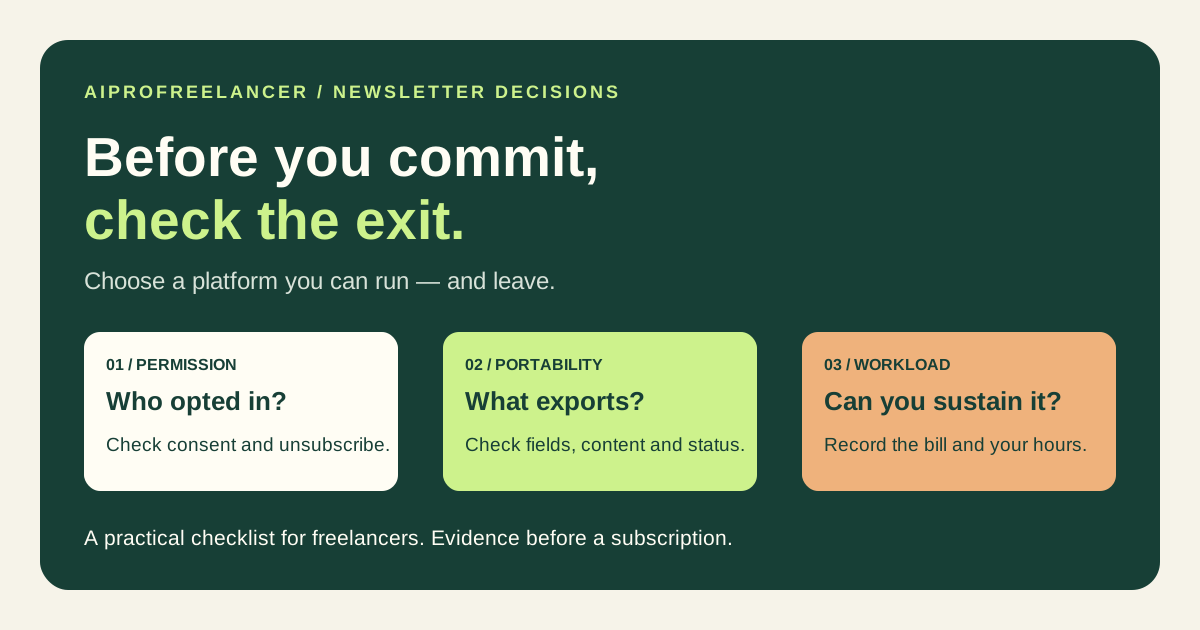
Use the newsletter platform exit checklist for handoff questions. For different jobs, compare the Kit subscriber journey and the HubSpot CRM acceptance checklist ; their plans and workflows are not interchangeable.
Before purchasing
Check ActiveCampaign’s current plan comparison after the workflow, actions, seats and add-ons have been specified. Upgrade only when a documented requirement justifies the full delivery cost.
These are ordinary vendor links. We have not verified an AIProFreelancer ActiveCampaign affiliate link, and a visit or purchase through these URLs is not evidence of commission attribution to this site.