GetResponse and Mailchimp can both appear on an email-platform shortlist. For a freelancer or small business, the decision should start with a defined subscriber journey, required integrations and a complete cost quote.
Scope: this is a documentation-based comparison checked on 5 October 2026. We have not run a controlled account comparison, inbox-placement benchmark or conversion study. We do not name an overall winner or assign product scores.
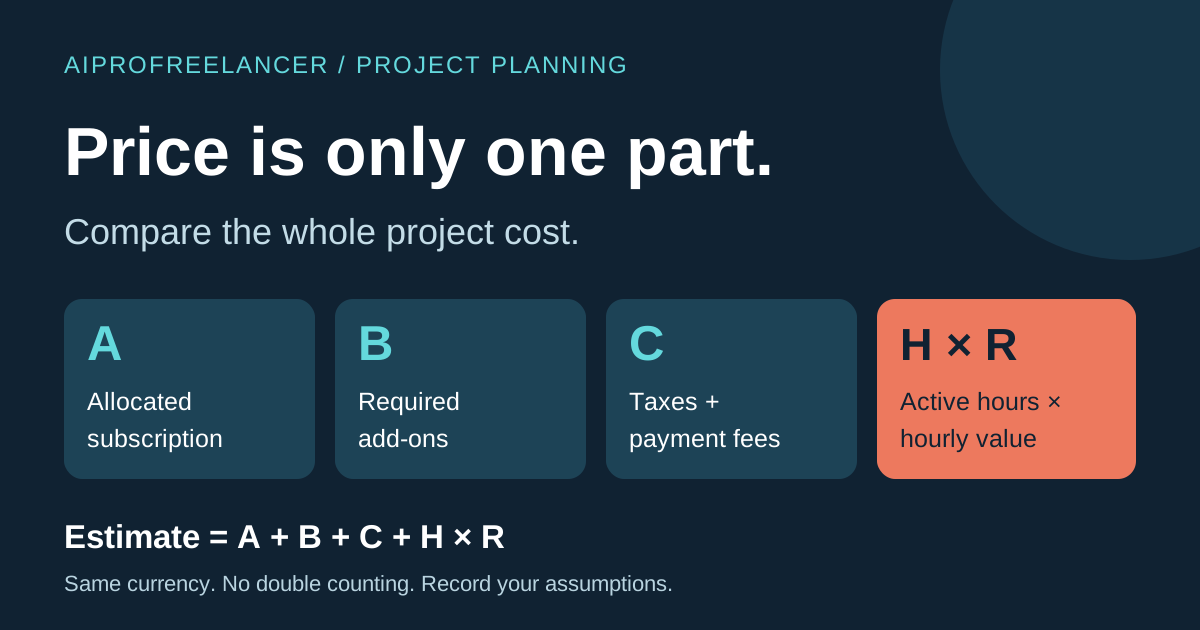
Compare the plan you would actually buy Requirement GetResponse documentation Mailchimp documentation Your decision evidence Initial access Pricing page advertises a 14-day trial Pricing page lists trial and Free options Check eligibility, renewal and limits in your own flow Automation Starter lists one custom workflow; Marketer lists unlimited workflows Capabilities depend on the selected plan Map the same expected journey and confirm plan access Webinars Listed under Creator on the pricing page Not established by this comparison Check your required webinar system and integration separately Contact and send limits Obtain the quote for your list and plan Free is listed with a 250-contact limit; pricing warns about paid-plan overages Record contacts, sends and over-limit consequences Total project cost Quote required Quote required Include integrations, setup and maintenance Sources: GetResponse pricing and plan comparison , Mailchimp marketing pricing . These are dated documentation observations, not account tests. Offers, taxes and plan limits can change.
...